Group Is Stuck
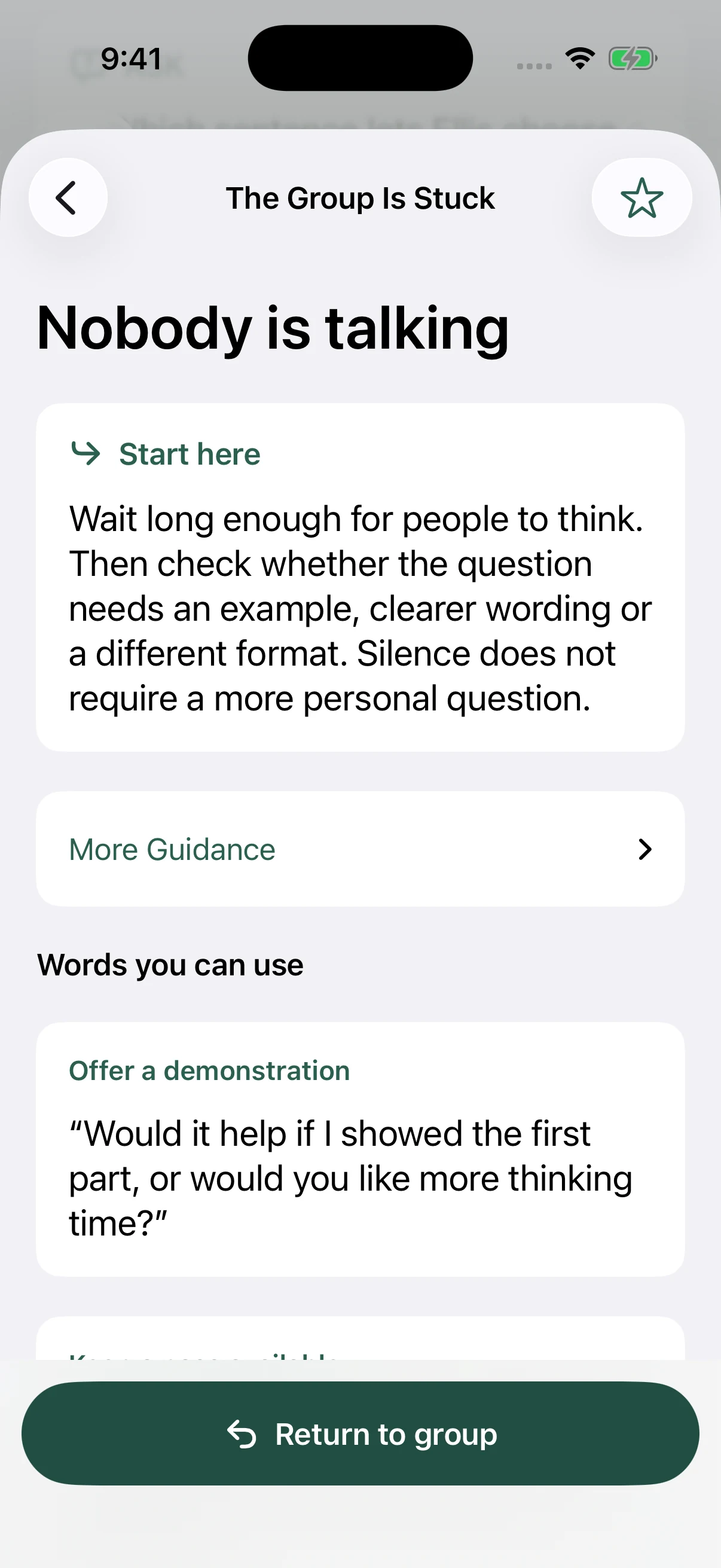
Nobody is talking. One person is dominating. The conversation went off topic. Choose the situation for a first step and words you can use.

How GroupReady works
Choose the session, understand the plan, and keep practical facilitation guidance within reach. The same workflow supports a week of preparation or a last-minute call to cover.
01 / Before group
Choose a topic that fits your group and your role, then open its complete 30- or 60-minute session. The plan and participant materials are already there; review the goal and guidance before you lead.
Prepare tells you what to have ready. Today’s Plan gives you the sequence, and the full Facilitator Guide lets you read through the session before you lead it.
Your judgment comes first. Review suitability, timing, and your organization’s policies before use.
See how the curriculum is developed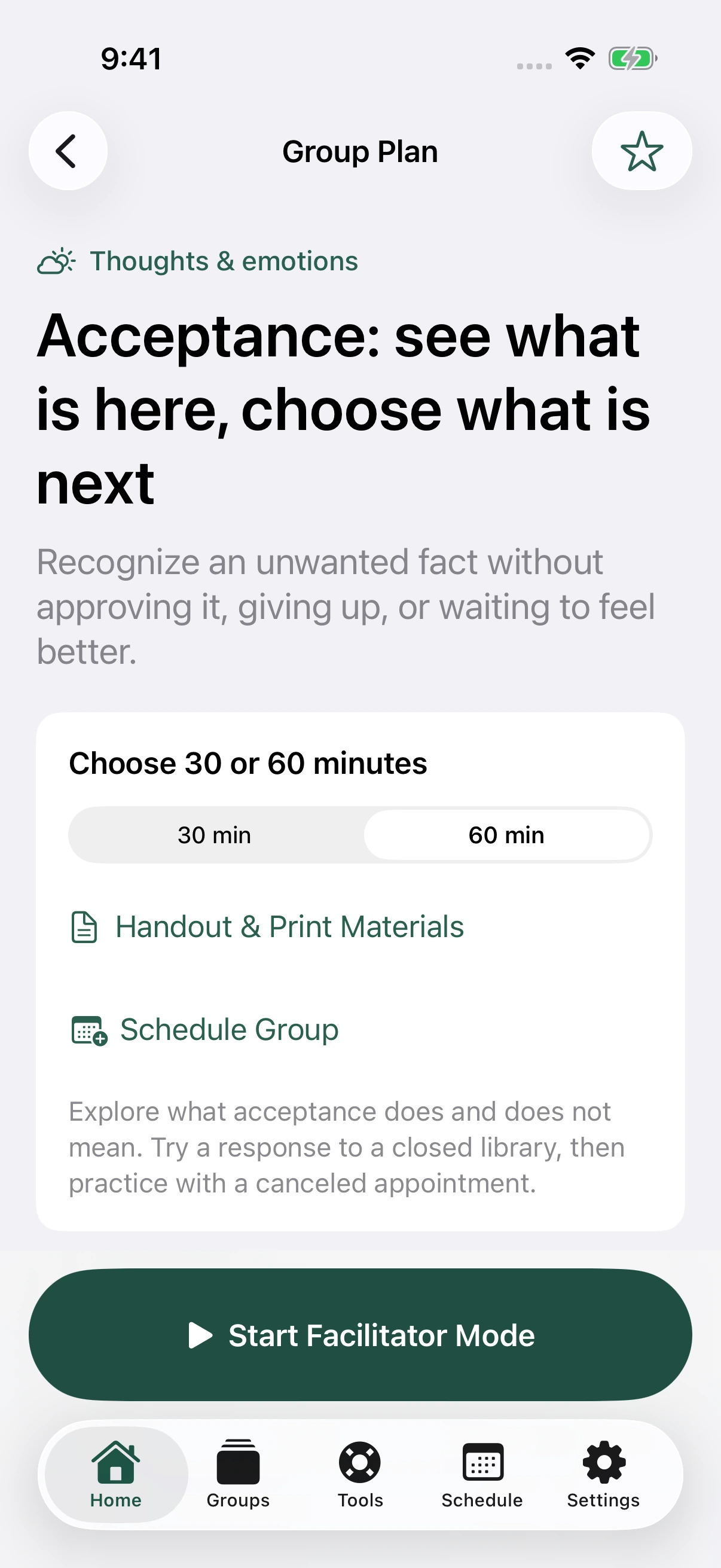
Materials that belong together
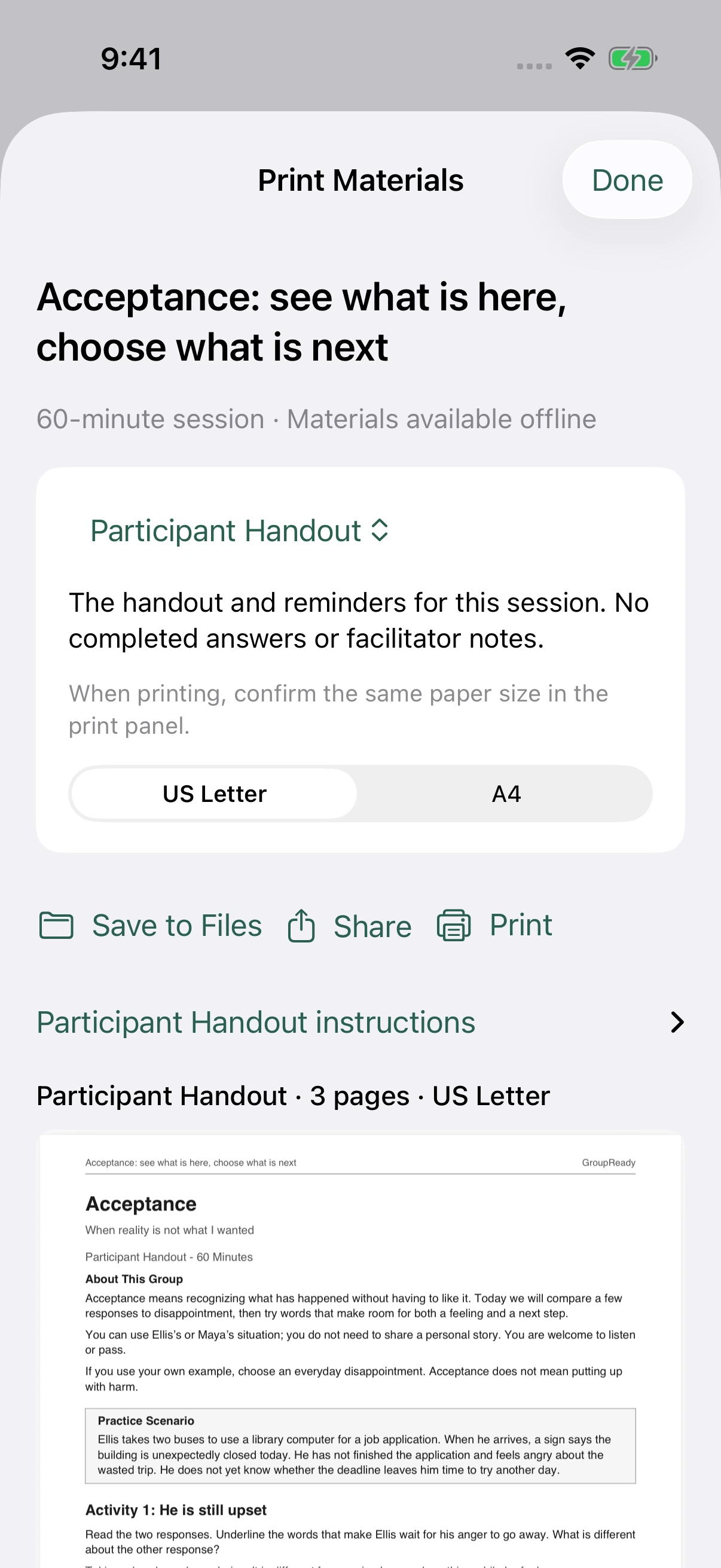
A Participant Handout gives the group the activity. Sample Responses is a separate facilitator reference with examples of how participants might respond to the handout. The Facilitator Guide connects the exercise to teaching, discussion, and closing.
Open, save, share, or print the materials for your selected session. Choose a Complete Packet to keep the Facilitator Guide, Participant Handout, and Sample Responses together. Letter and A4 versions are available.
Use Sample Responses for your preparation and keep it separate from participant copies. Participants bring their own responses. Written participant responses stay outside the app.
02 / When group starts
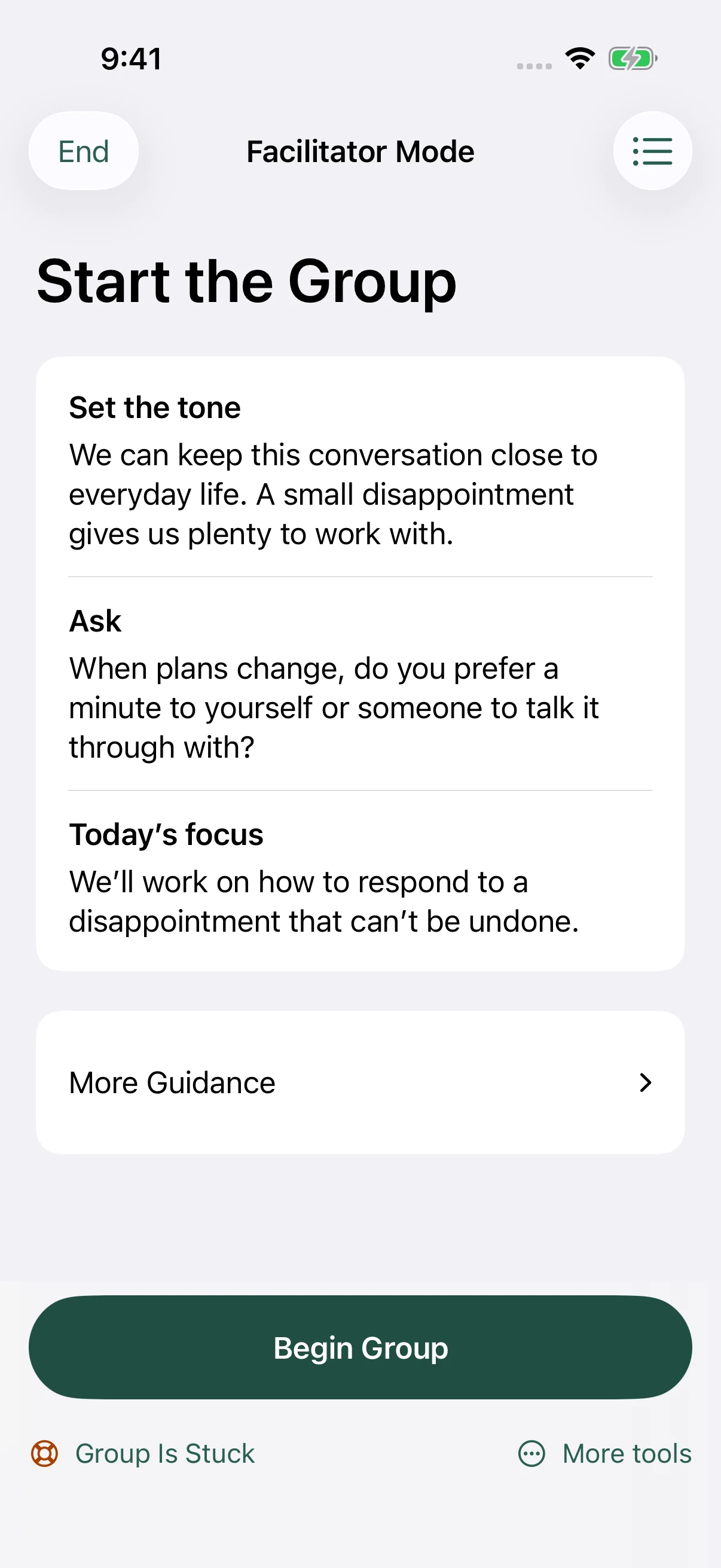
Facilitator Mode begins with Start the Group: set the tone, ask an opening question, and introduce the focus. Choose Begin Group to follow the numbered sections, each with its purpose and suggested timing, then finish with a structured Closing. The teaching, questions, and activities are already connected to the session’s learning purpose. Move through the plan without finding your place in a long document.
Use the optional timer, move back or forward, and reach support tools from the session. Suggested timing supports your decisions; it does not make them for you.
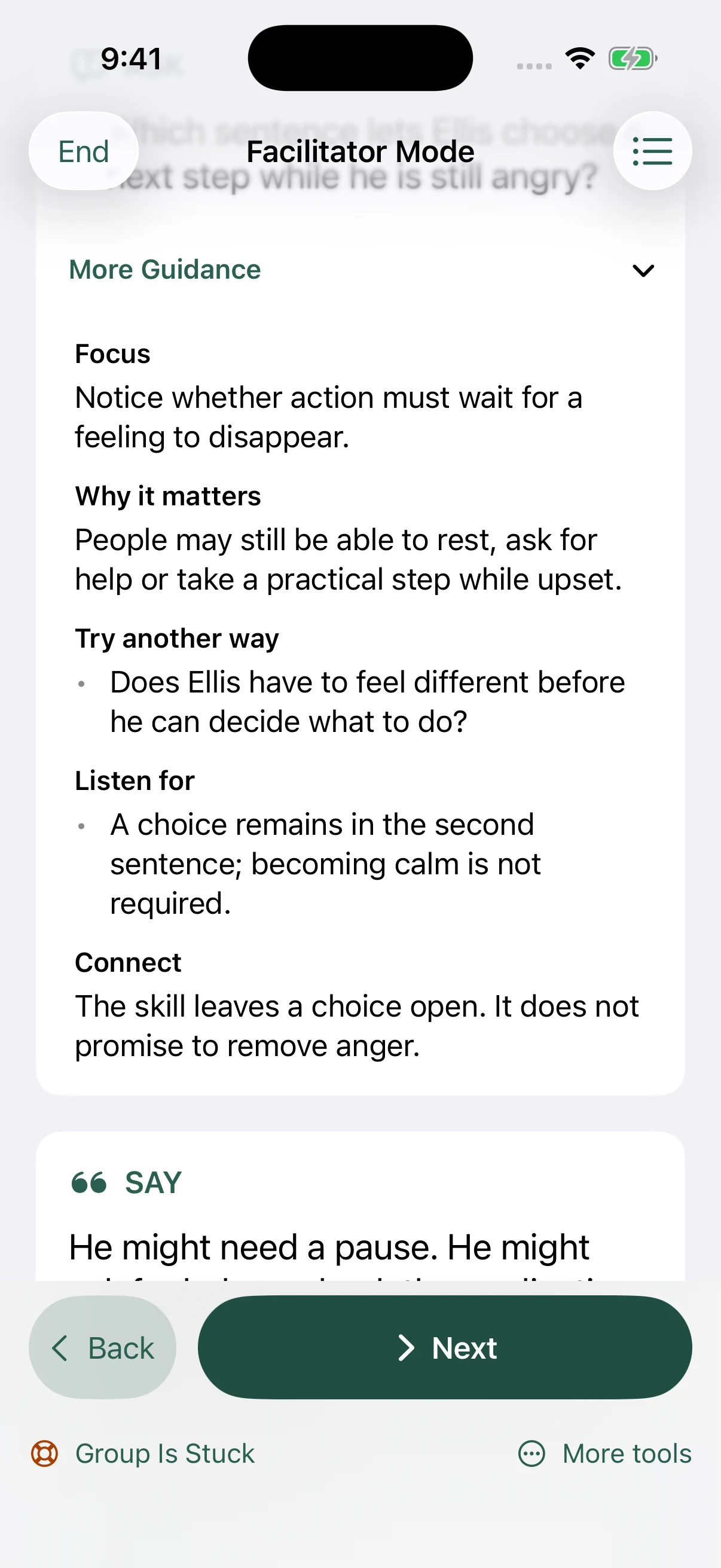
A little more support, when you open it
More Guidance explains the focus behind a prompt, why it matters, what to listen for, and another way to ask. Open it when you want context; keep it closed when the next step is enough.
This is prepared guidance you choose to use. GroupReady does not listen to participants, analyze conversations, or provide live clinical supervision.
03 / When the room changes
A quiet room, a difficult statement, or a discussion that needs a new direction calls for more than another worksheet.
Nobody is talking. One person is dominating. The conversation went off topic. Choose the situation for a first step and words you can use.
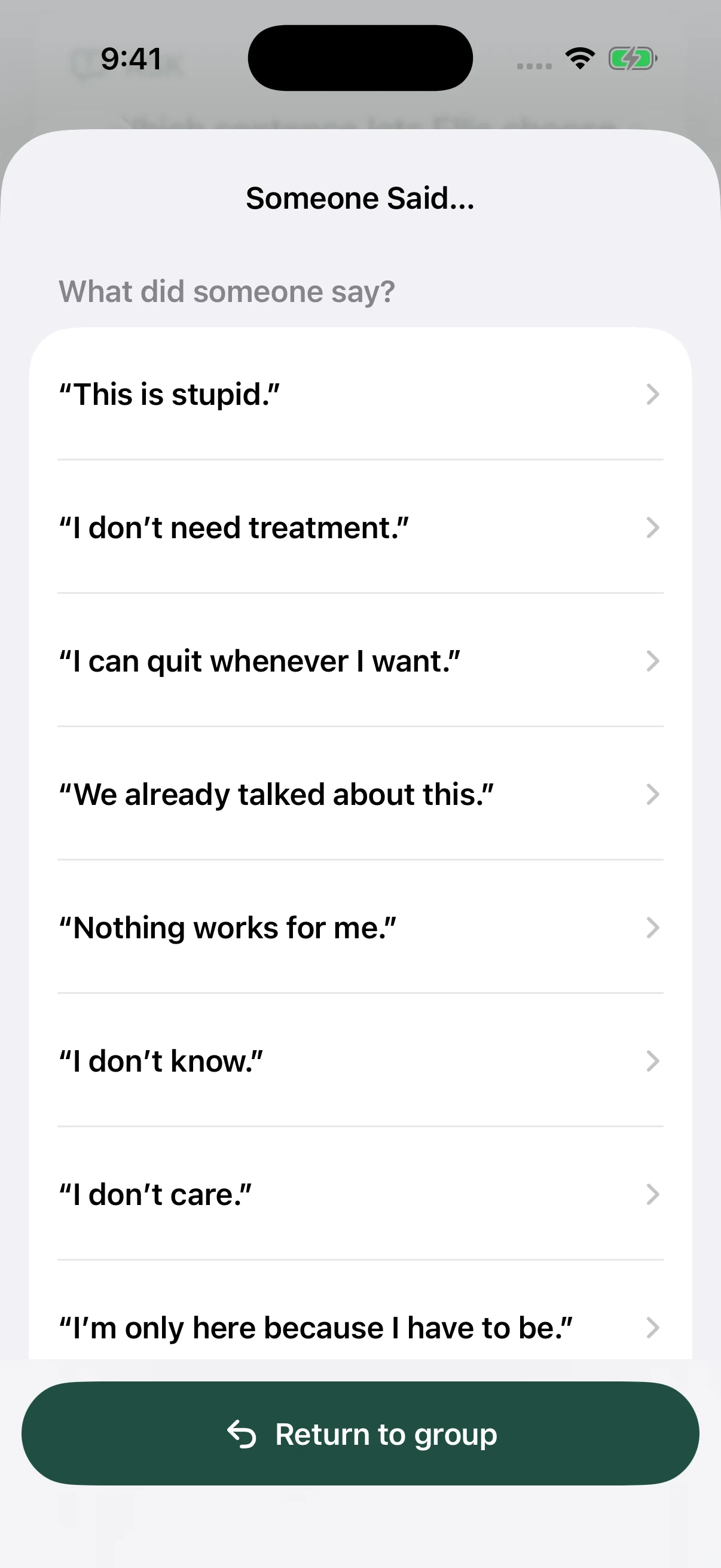
Start with a familiar statement, such as “We already talked about this.” Review guidance before choosing a response that fits the moment.
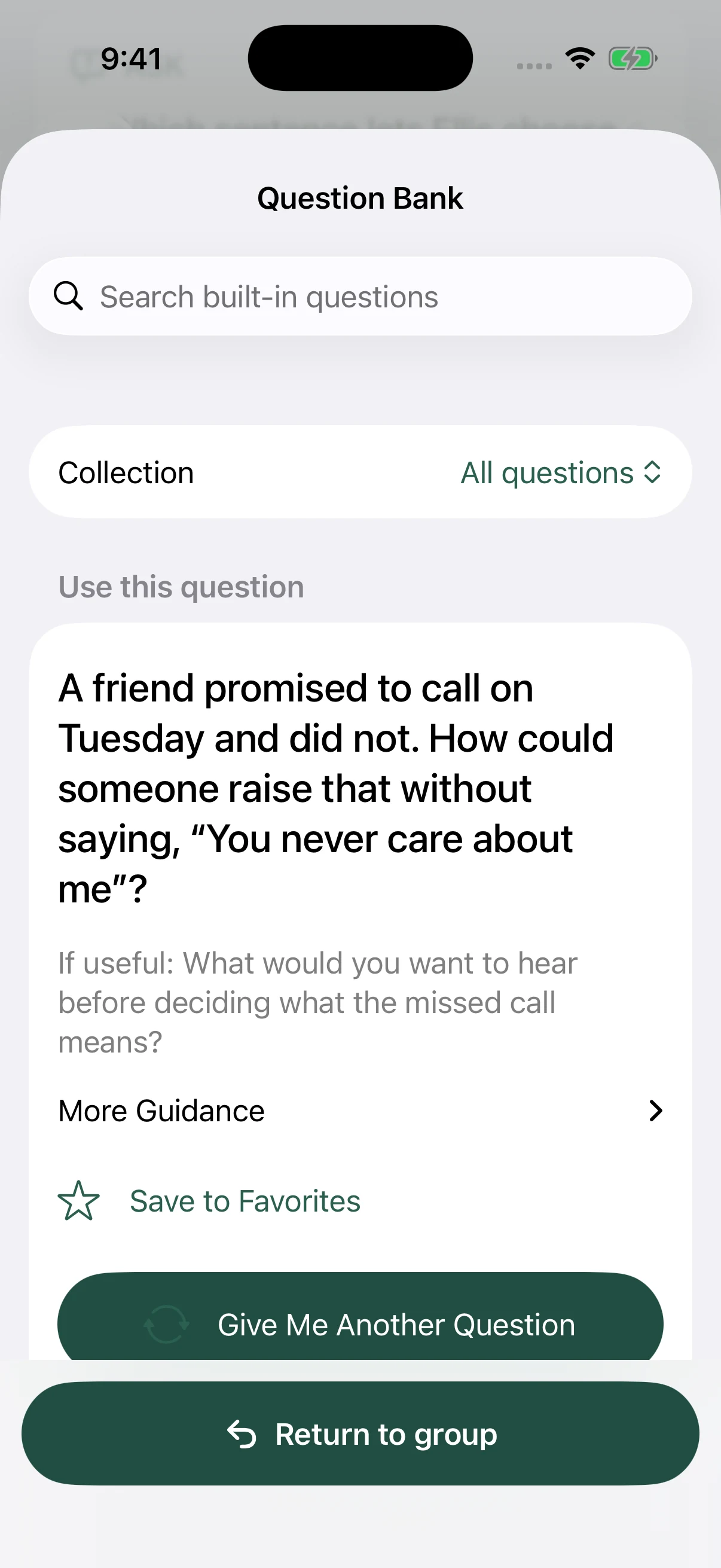
Find group discussion questions, follow-ups, and More Guidance. Search built-in questions or choose a collection to find another way into the conversation.
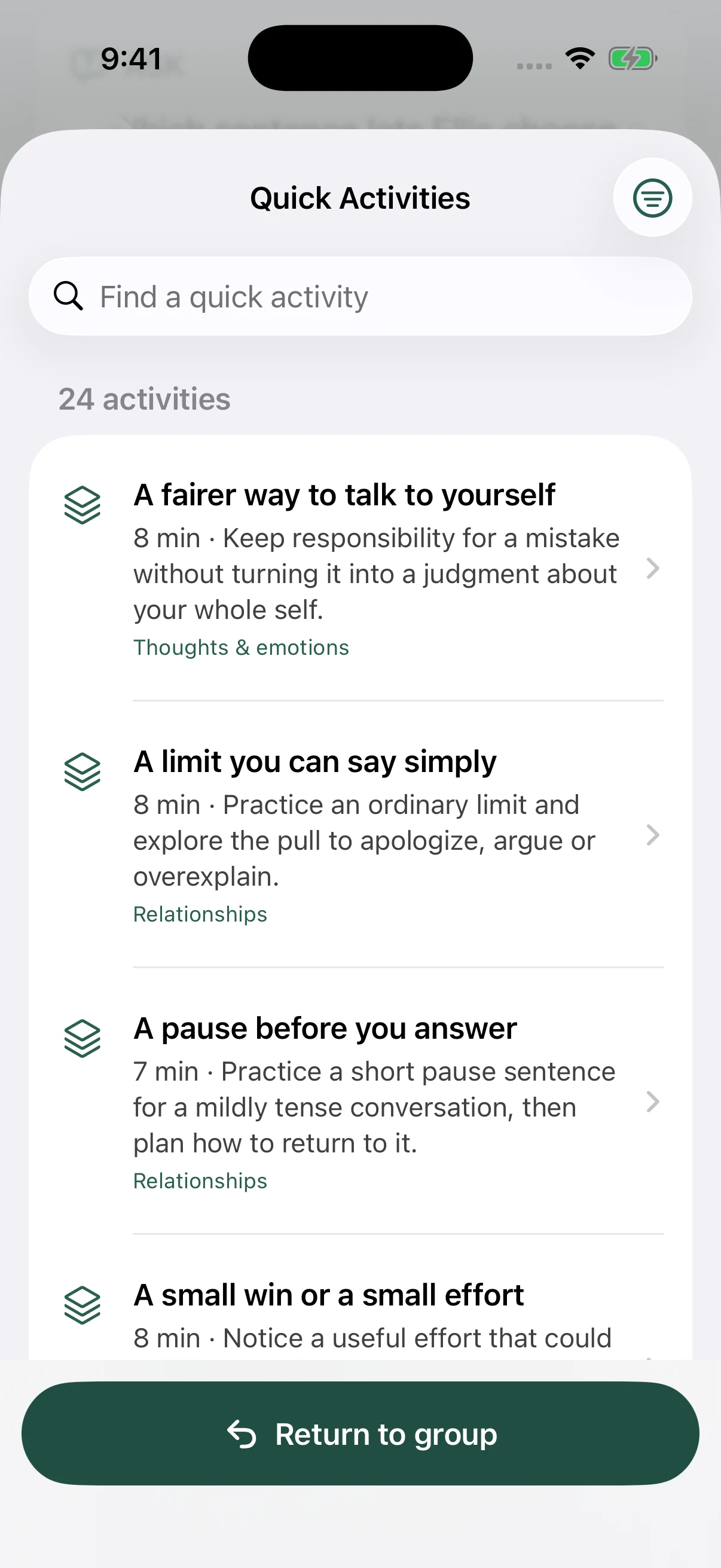
Use a focused 5–9 minute activity when you have a shorter window. Each has a purpose and guidance for leading it; the current collection includes 24 activities.
All safety guidance is available with Free. Follow your training and organization’s emergency procedures for safety concerns.
04 / Between groups
Choose a session, add its date and duration, and decide whether you want a reminder. Upcoming Groups keeps the plan close.
Review the materials and mark the session ready to lead. Save useful plans and tools to Favorites as you become familiar with the curriculum.
Schedules and reminders stay on your device. There is no participant roster, clinical note system, or shared team calendar.
Find your next group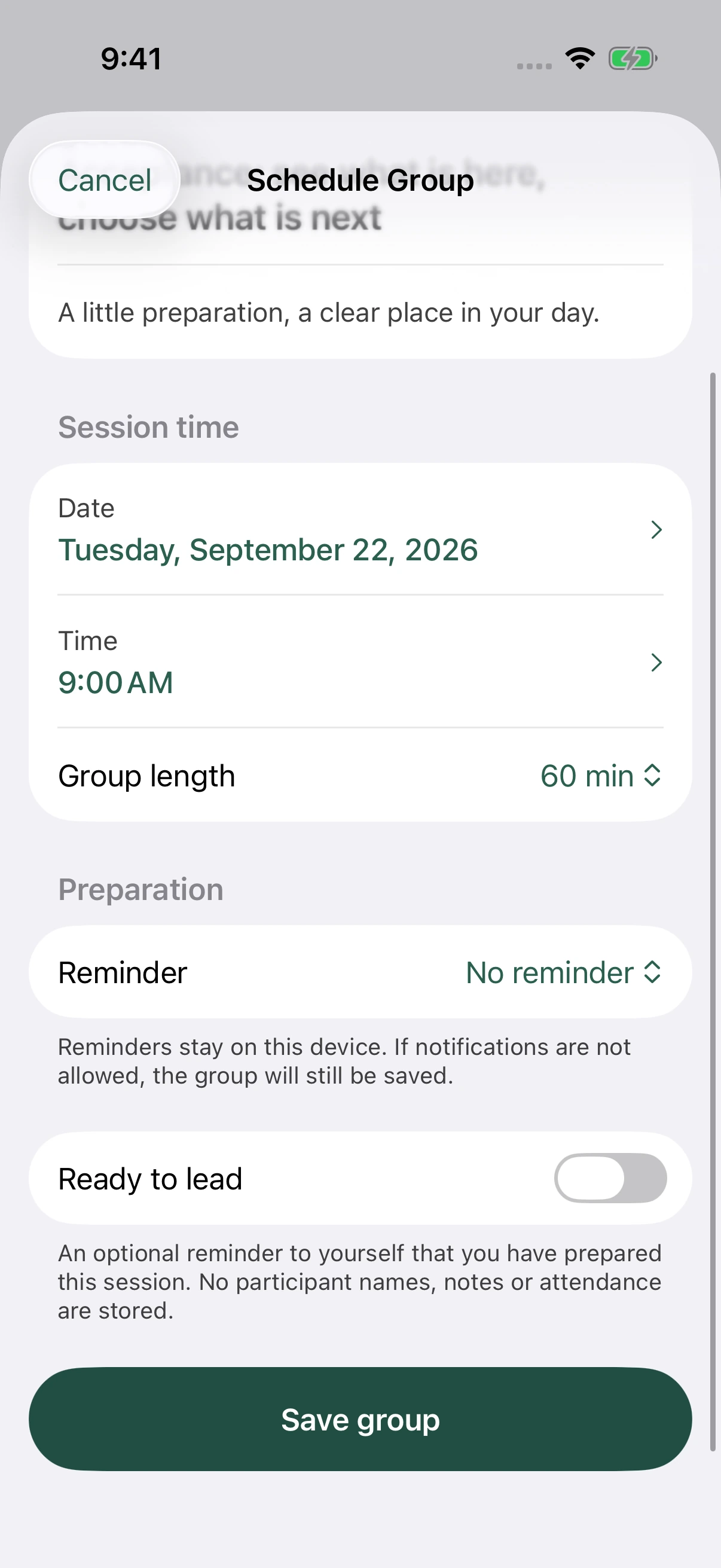
The complete facilitator toolkit
Try Acceptance and Boundaries free. Make Pro part of your regular work.
Compare Free and Pro